What Is Website Uptime?
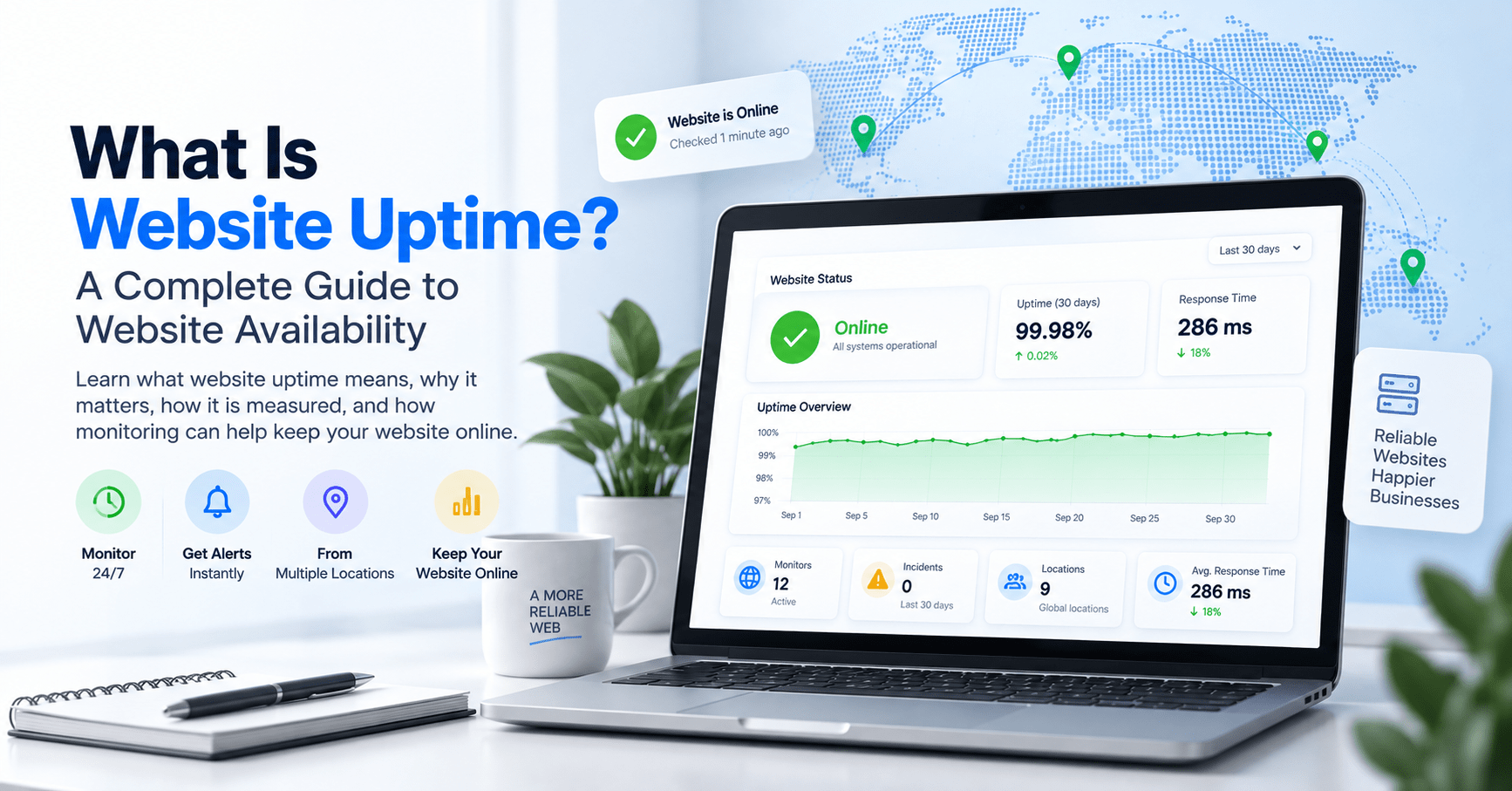
Website uptime refers to the amount of time a website is available and accessible to visitors over a specific period.
When someone enters your website address into a browser, they expect the website to load normally. If the server responds, the website can be reached, and the requested content is available, the website is considered to be up.
When visitors cannot access the website, the server does not respond properly, or an important service becomes unavailable, the website may be experiencing downtime.
For businesses, website owners, developers, agencies, and SaaS companies, uptime is an important part of maintaining a reliable online presence.
Your website may be responsible for generating leads, accepting orders, processing payments, providing information, supporting customers, or delivering an online service. If that website becomes unavailable, visitors may immediately be affected.
This guide explains what website uptime means, how it is measured, what causes downtime, how to check whether a website is down, why websites can be unavailable for some visitors but not others, how uptime monitoring works, and how automated monitoring can help you stay informed when something goes wrong.
Why Does Website Uptime Matter?
A website is often more than an online brochure. For many businesses, it is an important part of their daily operations.
Customers may use a website to:
- Learn about a business or product.
- Find contact information.
- Submit an enquiry.
- Request a quote.
- Book an appointment.
- Purchase products.
- Make payments.
- Access an online account.
- Use a software application.
- Read important information.
If the website becomes unavailable, visitors may not be able to complete these actions.
Imagine a customer searching for a product and clicking your website from a search result. Instead of your product page, they see a server error.
That visitor may refresh the page, try again later, contact your business, or simply move on to another website.
The same situation can occur with a service business. A potential customer may discover your company through search, visit your website to find your phone number, and encounter an error. Even though your physical business is operating normally, your online presence is temporarily unavailable.
For this reason, website uptime is not simply a technical statistic. It can be an important indicator of whether your online presence is available when people need it.
What Is the Difference Between Uptime and Downtime?
Uptime describes the period during which a website is available and responding as expected.
Downtime describes the period during which a website is unavailable, inaccessible, or not responding as expected.
The basic concept is simple:
- Uptime = Website available.
- Downtime = Website unavailable.
However, real-world website availability can be more complicated than simply checking whether a homepage opens.
A website might load while its checkout system is not working. A login page might be unavailable while the rest of the website works. A website might work for visitors in one country but fail for visitors in another.
Therefore, understanding uptime requires looking at what is being monitored, where it is being monitored from, how frequently it is checked, and what response is considered successful.
How Is Website Uptime Measured?
Website uptime is commonly expressed as a percentage.
The general concept is to compare the amount of time a website was available with the total amount of time being measured.
A simplified uptime calculation can be represented as:
Uptime Percentage = (Total Time - Downtime) ÷ Total Time × 100
For example, if a website is monitored for a month and experiences a period of downtime, that downtime reduces the overall uptime percentage.
Common uptime figures include:
- 99% uptime
- 99.9% uptime
- 99.99% uptime
- 99.999% uptime
The higher the percentage, the smaller the amount of downtime represented by that percentage.
However, an uptime percentage should always be considered together with the measurement period. A percentage measured over one day tells you something different from a percentage measured over an entire year.
How Much Downtime Does 99% Uptime Allow?
It is easier to understand uptime percentages when they are converted into actual time.
Using a 30-day month as an example:
| Uptime | Approximate Downtime Per 30-Day Month |
|---|---|
| 99% | 7 hours 12 minutes |
| 99.9% | 43 minutes 12 seconds |
| 99.99% | 4 minutes 19 seconds |
| 99.999% | 26 seconds |
These are approximate figures based on a 30-day month.
The table demonstrates why small differences in an uptime percentage can represent meaningful differences in actual availability.
A website with 99% uptime and a website with 99.99% uptime may both sound highly available when described in percentage terms, but the amount of downtime represented by those percentages is very different.
What Does 99.9% Uptime Mean?
99.9% uptime means that the website was available for approximately 99.9% of the measurement period.
The remaining 0.1% represents potential downtime during that period.
For a 30-day month, 0.1% corresponds to approximately 43 minutes and 12 seconds.
This does not mean that every website achieving 99.9% uptime will experience exactly that amount of downtime. The actual amount depends on the measurement period and the monitoring methodology.
It is also important to remember that an uptime percentage describes historical availability. It does not guarantee that a website will remain available in the future.
A website could have 99.99% uptime for one period and still experience an outage the following day.
That is why continuous monitoring can be useful alongside historical uptime reporting.
What Is Website Downtime?
Website downtime occurs when visitors cannot access a website or an important website function is not operating as expected.
Downtime can be:
- Complete, where the entire website is unavailable.
- Partial, where only certain pages or services are affected.
- Regional, where visitors in one location are affected while others can access the website.
- Application-specific, where a particular function such as login or checkout is unavailable.
This distinction matters because a website can appear to be working when an important part of the customer experience is actually unavailable.
For example, the homepage of an online store might load successfully while the checkout system is returning errors.
From a basic homepage check, the website appears to be online. From a customer's perspective, however, the website may not be functioning properly.
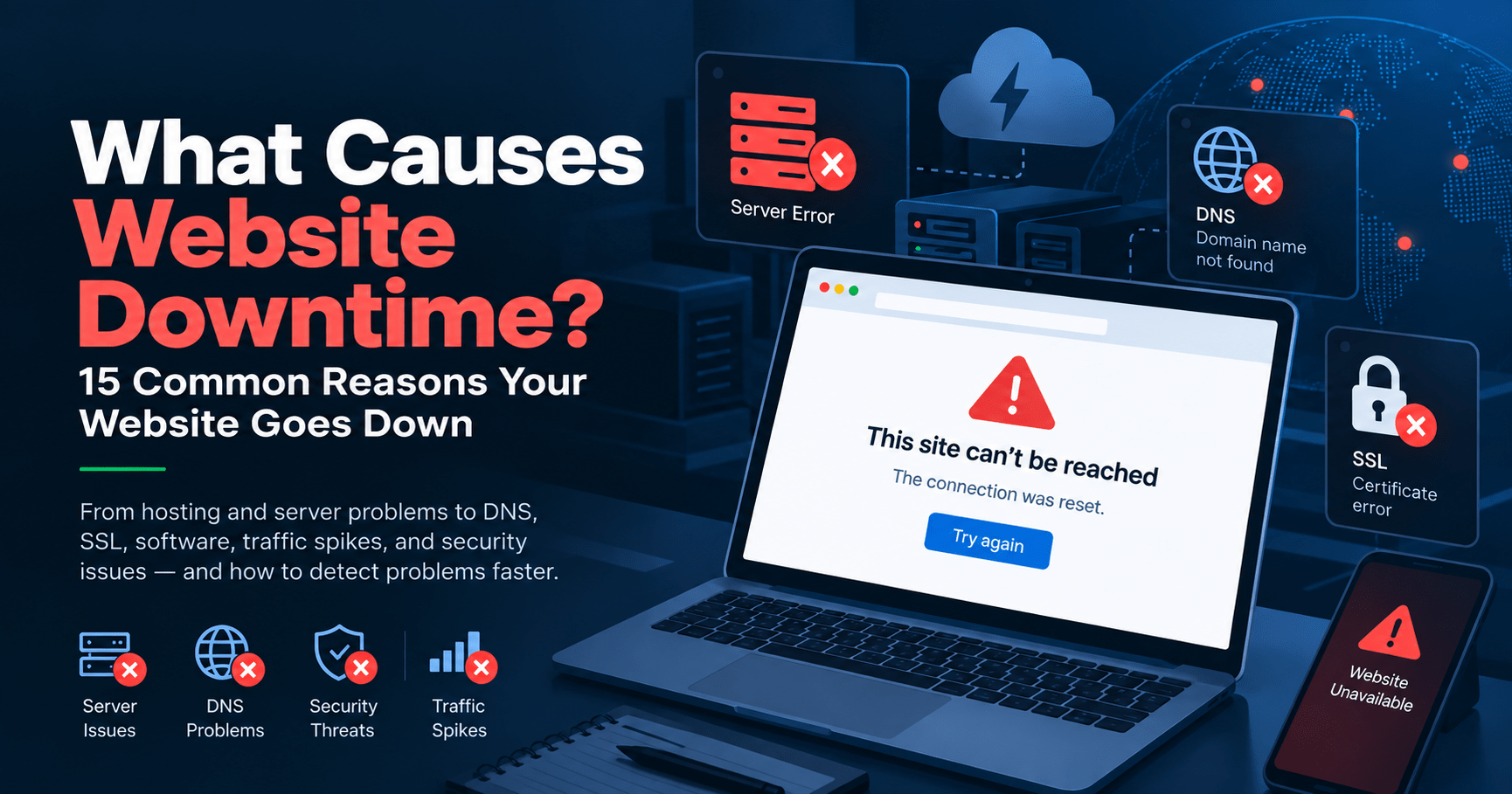
What Causes Website Downtime?
Website downtime can have many different causes. Some problems originate with hosting infrastructure, while others are related to software, configuration, networking, domains, security systems, or third-party services.
1. Hosting Server Problems
Websites depend on servers and infrastructure to deliver their content.
Hardware failures, software problems, network issues, infrastructure maintenance, or other hosting problems can make a website unavailable.
If the server hosting a website cannot respond to requests, visitors may receive an error or fail to connect to the website.
2. Server Overload
A website can experience problems when its server does not have enough available resources to handle the workload.
Possible causes include:
- Unexpected traffic spikes.
- High CPU usage.
- Insufficient memory.
- Database resource consumption.
- Poorly optimized applications.
- Heavy plugins or extensions.
- Large numbers of simultaneous requests.
Traffic increases are not always predictable. A marketing campaign, social media post, news article, product launch, or other event can suddenly send significantly more visitors to a website.
3. DNS Problems
DNS stands for Domain Name System. It helps direct a domain name to the appropriate destination.
If DNS records are incorrectly configured or a DNS-related service experiences a problem, visitors may be unable to reach the website even when the underlying server is operating.
DNS problems can sometimes make a website appear unavailable from one network while it continues working from another.
4. Software Errors
Websites often rely on multiple software components.
Problems can occur because of:
- Application bugs.
- Failed updates.
- Plugin conflicts.
- Theme conflicts.
- Database errors.
- Incorrect configuration.
- Programming errors.
- Third-party API failures.
These issues can sometimes cause the entire website to fail, while in other cases only a specific feature is affected.
5. SSL Certificate Problems
HTTPS connections rely on SSL/TLS certificates to establish secure communication between a visitor and a website.
An expired, incorrectly configured, or otherwise problematic certificate can result in browser warnings or connection failures.
Because HTTPS is now standard for most modern websites, certificate management is an important part of website reliability.
6. Planned Maintenance
Websites and servers sometimes need maintenance, upgrades, migrations, or configuration changes.
Planned maintenance may temporarily affect availability.
Good maintenance practices can reduce disruption, but website owners should still understand when important services are unavailable.
7. Network Problems
Internet connectivity involves multiple networks between a visitor and a website.
Routing problems, connectivity failures, network congestion, or problems with an internet service provider can affect access to a website.
8. CDN Problems
Content Delivery Networks, commonly known as CDNs, distribute website content across different locations to improve delivery and performance.
A CDN configuration issue or infrastructure problem can sometimes affect website accessibility even when the origin server is functioning.
9. Domain Expiration
A website depends on its domain name being correctly registered and configured.
If a domain expires or its DNS configuration is changed incorrectly, visitors may no longer be able to reach the website using the normal domain name.
10. Security and Firewall Rules
Security systems, firewalls, Web Application Firewalls, access-control rules, and other protective technologies can sometimes block legitimate traffic when incorrectly configured.
This can result in certain visitors being unable to access the website even though the website itself is operating.
Can a Website Be Down for Some People but Not Others?
Yes.
A website does not necessarily have to be completely unavailable everywhere for visitors to experience an outage.
For example, a website may work normally from an office in one country but fail to load for customers in another country.
This can happen because of:
- Regional DNS issues.
- Routing problems.
- CDN problems.
- Firewall restrictions.
- Regional hosting issues.
- Internet service provider problems.
- Network connectivity problems.
- Geographic access restrictions.
This creates an important problem with manual website checking.
If you open your website from your computer and it works, you may conclude that everything is fine.
But that check only tells you what is happening from your particular location and network at that particular moment.
Monitoring from multiple locations can provide a broader view of website availability.
How Can You Check if Your Website Is Down?
If you think your website may be unavailable, you can perform several basic checks.
Check the Website Yourself
Open your website in a browser and see whether it loads normally.
Don't stop at the homepage. If the website is important to your business, also check important functions such as login, contact forms, product pages, or checkout.
Try a Different Internet Connection
Try accessing the website through another network.
For example, if you're using Wi-Fi, try a mobile connection.
If the website works on one network but not another, the problem may be related to connectivity, DNS, routing, or another network-specific issue.
Check the Browser Error
Pay attention to the error displayed by your browser.
Errors such as 404, 500, 502, 503, and 504 can indicate different types of problems.
Check Your Hosting Provider
Your hosting provider may have a status page or incident information explaining infrastructure problems or scheduled maintenance.
Check DNS
If the domain is not resolving correctly, review the relevant DNS records and configuration.
Test From Another Location
Testing from another geographic location can help determine whether the problem is global or regional.
Why Manual Website Checking Isn't Enough
Manual checks are useful for troubleshooting, but they have an obvious limitation.
You cannot realistically monitor a website manually 24 hours a day.
Imagine checking your website at 9:00 AM and finding that it works normally.
Your website could go down at 9:15 AM and remain unavailable until 11:00 AM.
If you don't check again until noon, you may not know that the outage occurred.
During those hours, visitors could have encountered the problem without you knowing about it.
The same problem becomes even more difficult for websites that operate globally. You may be asleep when an outage occurs or unavailable when an important service stops responding.
This is one of the main reasons website owners use automated uptime monitoring.
What Is Website Uptime Monitoring?
Website uptime monitoring is the automated process of checking whether a website is available and responding as expected.
Instead of relying on someone to manually visit a website, an uptime monitoring service performs checks automatically.
Depending on the monitoring system, checks can be performed at regular intervals from one or more monitoring locations.
If a problem is detected, the monitoring service can record the event and send an alert through configured notification channels.
This means the website owner doesn't have to constantly watch the website to know that something may have gone wrong.
How Does Website Uptime Monitoring Work?
A typical uptime monitoring process can be broken into several steps.
1. Add Your Website
You provide the website address or service endpoint that you want to monitor.
2. Configure the Monitoring Check
The monitoring system uses the configured settings to determine how the website should be checked.
This can include the monitoring interval, monitoring location, expected response, and other conditions depending on the service.
3. The Website Is Checked Automatically
The monitoring system sends a request to the website at the configured interval.
4. The Response Is Evaluated
The system evaluates whether the website responded successfully and whether the response meets the configured monitoring conditions.
5. A Problem Is Detected
If the website fails to respond correctly, the monitoring system can record the event as a potential availability problem.
6. An Alert Can Be Sent
Depending on the configured notification options, an alert can be sent to the website owner, developer, agency, or responsible team.
7. Recovery Can Be Detected
When subsequent checks show that the website is responding normally again, the monitoring system can record the recovery and, depending on the configuration, send a recovery notification.
This automated process helps replace occasional manual checks with continuous monitoring.
Why Is Continuous Monitoring Useful?
Website problems do not follow a convenient schedule.
An outage can occur:
- During the middle of the night.
- During weekends.
- During holidays.
- While you're travelling.
- During a marketing campaign.
- During a product launch.
- During periods of heavy traffic.
- While your technical team is unavailable.
Continuous monitoring means the website can continue being checked even when nobody is actively watching it.
This is particularly useful for businesses that depend on their websites to generate revenue, provide services, or communicate with customers.
What Are Downtime Alerts?
A downtime alert is a notification generated when a monitoring system detects a potential availability problem.
The purpose of an alert is simple:
Tell the responsible person that something may require attention.
Depending on the monitoring platform, alerts can potentially be delivered through different communication channels.
Examples include:
- Email.
- SMS.
- Phone calls.
- WhatsApp or messaging channels.
- Push notifications.
- Other integrations.
The specific notification options available depend on the monitoring service and the plan being used.
Why Are Downtime Alerts Important?
Without monitoring, businesses may discover an outage through a customer complaint.
For example:
Customer: "Your website isn't working."
Business: "We didn't know there was a problem."
With monitoring in place, the process can instead begin with an alert.
Monitoring system: "A potential availability problem has been detected."
Business: "Let's investigate."
The monitoring system doesn't necessarily fix the underlying problem. Its role is to provide visibility and notification so that the responsible team can investigate and respond.
Does Uptime Monitoring Prevent Website Downtime?
No.
Uptime monitoring does not automatically prevent every possible outage.
A monitoring service cannot guarantee that a hosting server will never fail, that software will never contain bugs, or that a network will never experience problems.
Instead, monitoring helps you detect availability problems.
This distinction is important.
Monitoring helps you know that a problem exists. It does not replace the systems and people responsible for fixing the problem.
The value comes from improving visibility and reducing the amount of time a problem can remain unnoticed.
Website Uptime Monitoring vs. Manually Checking Your Website
| Manual Checking | Automated Monitoring |
|---|---|
| Requires someone to check the website | Checks can run automatically |
| Can only detect problems when someone checks | Can detect problems between manual checks |
| Usually checks from one location | Can support monitoring from configured locations |
| Difficult to perform continuously | Designed for continuous monitoring |
| May depend on individual attention | Runs without someone constantly watching |
| Historical events may need manual documentation | Monitoring platforms can maintain monitoring history |
Manual checking remains useful for troubleshooting and verification.
Automated monitoring is designed to handle the repetitive task of checking website availability over time.
What Should You Look for in a Website Monitoring Service?
Not every monitoring service works in exactly the same way. If you are evaluating a website monitoring platform, consider the features and monitoring approach that match your requirements.
Monitoring Frequency
Check how frequently the service performs monitoring checks.
The monitoring interval can affect how quickly a potential outage is detected.
Monitoring Locations
Consider where your website will be monitored from.
Multiple monitoring locations can be useful when your visitors are distributed across different regions.
Notification Channels
Consider how you want to receive alerts.
Email may be sufficient for some users, while businesses with operational teams may want additional notification channels.
Monitoring History
Look for access to historical monitoring information.
Historical data can help you understand previous outages, availability trends, and recurring issues.
Response Time Information
Website availability and website performance are not the same thing.
A monitoring platform that also provides response-time information can give you additional visibility into how your website is behaving.
Status Pages
A status page can provide customers or users with information about service availability and incidents.
This can be particularly useful for SaaS companies, online services, and businesses where customers depend on an online platform.
Ease of Use
A monitoring service should be practical to configure and use.
If monitoring is difficult to configure or requires excessive maintenance, it can become harder to maintain a consistent monitoring strategy.
What Is the Difference Between Uptime Monitoring and Performance Monitoring?
Uptime monitoring and performance monitoring are related, but they answer different questions.
Uptime monitoring asks:
"Is the website available and responding?"
Performance monitoring asks:
"How quickly is the website responding?"
A website can be technically available while responding very slowly.
For example, a homepage may eventually load, but if visitors have to wait an unusually long time, the website may still provide a poor user experience.
For this reason, businesses may monitor both availability and response time.
Why Does Monitoring From Multiple Locations Matter?
Visitors do not all connect to your website from the same place.
They may be located in different countries, use different internet service providers, connect through different networks, or access your website through different routes.
A website that works from one location may experience problems from another.
Monitoring from multiple locations can therefore provide additional visibility into regional availability.
This is particularly relevant for businesses with customers in multiple countries or regions.
Who Should Use Website Uptime Monitoring?
Website uptime monitoring can be useful for many different types of website owners and teams.
Small Businesses
A small business website may be responsible for generating enquiries, providing business information, or attracting new customers.
Monitoring can help business owners know when their website becomes unavailable without requiring them to manually check it throughout the day.
E-commerce Businesses
Online stores depend on their websites for product discovery, shopping carts, checkout, and customer transactions.
Monitoring can help identify availability problems that could prevent customers from accessing the store.
Web Agencies
Agencies may manage websites for multiple clients.
Instead of relying entirely on clients to report website problems, agencies can use monitoring to maintain visibility across the websites they manage.
Developers
Developers can use monitoring for production websites and applications.
Monitoring can provide another layer of visibility after deployments, configuration changes, migrations, and updates.
SaaS Companies
SaaS businesses provide services that customers access online.
Availability can therefore be an important part of the customer experience.
Bloggers and Content Websites
Content websites may depend on advertising, search traffic, subscriptions, affiliate links, or direct visitors.
Monitoring can help identify when the website becomes inaccessible.
When Should You Start Monitoring a Website?
You do not need to wait for your first major outage before setting up monitoring.
Monitoring is generally more useful when it is already running before a problem occurs because the system can begin collecting availability information from the start.
Consider monitoring a website when:
- You launch a new website.
- Your website generates leads.
- Your website accepts orders.
- Your website processes payments.
- Your business depends on online enquiries.
- You operate a SaaS application.
- You manage websites for clients.
- You frequently update or deploy your website.
- You have customers in multiple regions.
- Your website is an important part of your business.
How SITEUPTIME Helps You Monitor Your Website
SITEUPTIME is a website monitoring platform designed to help website owners, businesses, developers, agencies, and online service providers monitor their websites and stay informed about availability.
Instead of manually checking a website throughout the day, you can use automated monitoring to keep track of your online services.
SITEUPTIME is built around the idea that website owners should be able to know when something changes rather than relying entirely on customers or manual checks to discover an outage.
With website monitoring, you can keep an eye on important online properties such as:
- Business websites.
- E-commerce stores.
- WordPress websites.
- Landing pages.
- SaaS applications.
- Client websites.
- Online services.
- Other important web endpoints.
The platform can help bring monitoring, availability information, alerts, and related website monitoring capabilities together in one place.
Why Use SITEUPTIME Instead of Checking Manually?
Manual checking requires your attention.
Automated monitoring does not depend on someone remembering to open a browser and check the website.
That difference becomes increasingly important as the number of websites you manage increases.
If you operate one website, manually checking it may seem easy.
If you operate ten websites, twenty websites, or manage websites for multiple clients, manually checking every website throughout the day quickly becomes impractical.
Automated monitoring allows the repetitive checking process to happen continuously while you focus on other responsibilities.
What Happens After SITEUPTIME Detects a Problem?
When a monitoring system identifies a potential availability problem, the first objective is to make the responsible person aware of it.
From there, the website owner or technical team can investigate the cause.
The investigation may involve checking:
- Hosting infrastructure.
- Server resources.
- DNS configuration.
- SSL certificates.
- Website software.
- Plugins and extensions.
- Databases.
- CDN configuration.
- Firewall rules.
- Network connectivity.
- Third-party services.
Monitoring provides the visibility that something may be wrong. The actual resolution depends on the underlying cause and the systems responsible for the website.
What Is the Value of Monitoring Website Availability?
The biggest advantage of uptime monitoring is awareness.
You cannot respond to a problem that you don't know exists.
If a website becomes unavailable at 2:00 AM and nobody discovers it until 8:00 AM, the business may have spent six hours unaware of the problem.
With automated monitoring and appropriate alerts, the responsible team can be informed when the monitoring system detects an issue.
This does not guarantee that the outage will be resolved immediately, but it can reduce the time between detection and awareness.
Website Uptime Is an Ongoing Responsibility
Launching a website is only the beginning of maintaining an online presence.
Hosting environments change. Software gets updated. Domains need renewal. SSL certificates expire. Traffic changes. DNS configurations are modified. Third-party services can experience incidents.
Even a website that has worked perfectly for years can eventually experience an unexpected problem.
That is why website availability should be treated as something that needs ongoing attention rather than something that can be checked once and forgotten.
Uptime Monitoring Is Not Just for Large Businesses
You don't need to operate a large enterprise to benefit from website monitoring.
A small business may rely heavily on a single website for customer enquiries.
A freelancer may depend on a portfolio website to attract clients.
An online store may depend on its website for every customer transaction.
A developer may manage several production websites.
An agency may be responsible for dozens of client websites.
The scale of the business may be different, but the basic question remains the same:
Will you know when your website stops working?
Frequently Asked Questions About Website Uptime
What is website uptime?
Website uptime is the amount of time a website remains available and accessible to visitors during a specified measurement period.
What is website downtime?
Website downtime is a period when a website is unavailable, inaccessible, or not responding as expected.
How is uptime calculated?
Uptime is generally calculated by comparing the amount of time a website was available with the total measurement period and expressing the result as a percentage.
What does 99.9% uptime mean?
99.9% uptime means that a website was available for approximately 99.9% of the measurement period. Over a 30-day month, the remaining 0.1% represents approximately 43 minutes and 12 seconds.
Is 99.9% uptime good?
99.9% represents a high level of availability, but whether it is appropriate depends on the website, service, business requirements, infrastructure, and acceptable downtime.
What causes website downtime?
Website downtime can be caused by hosting problems, server overload, DNS issues, software errors, expired SSL certificates, maintenance, network problems, CDN issues, domain problems, firewall configuration, and failures involving third-party services.
Can a website be down for some users but not others?
Yes. Regional DNS problems, routing issues, CDN problems, network conditions, firewall rules, and other factors can cause a website to be available from one location but unavailable from another.
How can I check if my website is down?
You can open the website manually, try another internet connection, check the browser error, investigate your hosting provider, review DNS configuration, and test access from another location.
How does website uptime monitoring work?
An uptime monitoring service automatically checks a website at configured intervals, evaluates the response, records availability information, and can send notifications when a potential problem is detected.
Does uptime monitoring prevent downtime?
No. Uptime monitoring does not prevent every possible outage. Its primary purpose is to detect availability problems and provide information or alerts so that the responsible team can investigate.
Why should I monitor my website from multiple locations?
Monitoring from multiple locations can provide a broader view of website availability and help identify regional problems that may not be visible from a single location.
Is uptime monitoring useful for WordPress websites?
Yes. WordPress websites can experience downtime because of hosting problems, plugin conflicts, theme issues, database errors, configuration changes, traffic spikes, and other technical issues. Monitoring can help identify when the website becomes unavailable.
Do small businesses need uptime monitoring?
Any business that depends on its website can consider uptime monitoring. The importance of monitoring depends on how the website is used and how much the business relies on its online presence.
What is the difference between uptime monitoring and performance monitoring?
Uptime monitoring primarily checks whether a website or service is available and responding. Performance monitoring focuses on characteristics such as response time and how quickly the website or service responds.
Final Thoughts
Website uptime is more than a number displayed on a dashboard.
It represents whether your website is available when visitors, customers, employees, or users need it.
Websites can become unavailable for many reasons, including hosting failures, server overload, DNS problems, software errors, expired certificates, network issues, maintenance, and configuration problems.
Manual checking can help when you suspect something is wrong, but it cannot provide continuous visibility throughout the day.
Automated website uptime monitoring provides a way to continuously check your website and alert you when availability problems are detected.
Whether you operate a small business website, an online store, a SaaS application, a personal website, or multiple client websites, knowing the availability of your online services can help you respond to problems sooner.
Your website may be working right now. The important question is whether you'll know when that changes.
Start Monitoring Your Website With SITEUPTIME
Don't rely entirely on manual checks or wait for a customer to tell you that your website is unavailable.
SITEUPTIME helps you monitor your websites automatically and stay informed about website availability.
Set up monitoring for the websites and online services that matter to you, receive notifications when problems are detected, and keep an eye on your website's availability over time.
Monitor. Detect. Respond.
Keep Your Website Online With SITEUPTIME
Your website may be working perfectly right now, but the important question is: will you know when that changes?
SITEUPTIME helps you monitor your websites automatically, detect availability problems, and stay informed when something goes wrong.
Start monitoring your website today.
🛠 Free Web Tools
Explore our collection of free web tools for website owners, developers, and businesses.
Explore Free Web Tools →
🤝 Be Our Affiliate
Want to recommend SITEUPTIME to your audience or customers?
Become a SITEUPTIME Affiliate →
📩 Subscribe to Our Newsletter
Get useful website monitoring, uptime, performance, and online business insights delivered to your inbox.
Subscribe to Our Newsletter →
Monitor. Detect. Respond.